Description
C-C AR Glasses USB-C Charging Data Cable compatible with Xreal One Pro Air2 Viture One Lite Rokid Max 2 Rayneo Air 3 2s Nreal Glass Type-C
C-C AR Glasses USB-C Charging Data Cable for Xreal One Pro Air2 Viture One Lite Rokid Max 2 Rayneo Air 3 2s Nreal Glass Type-C
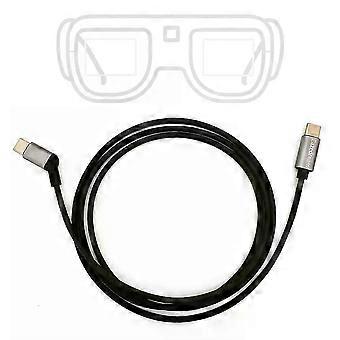
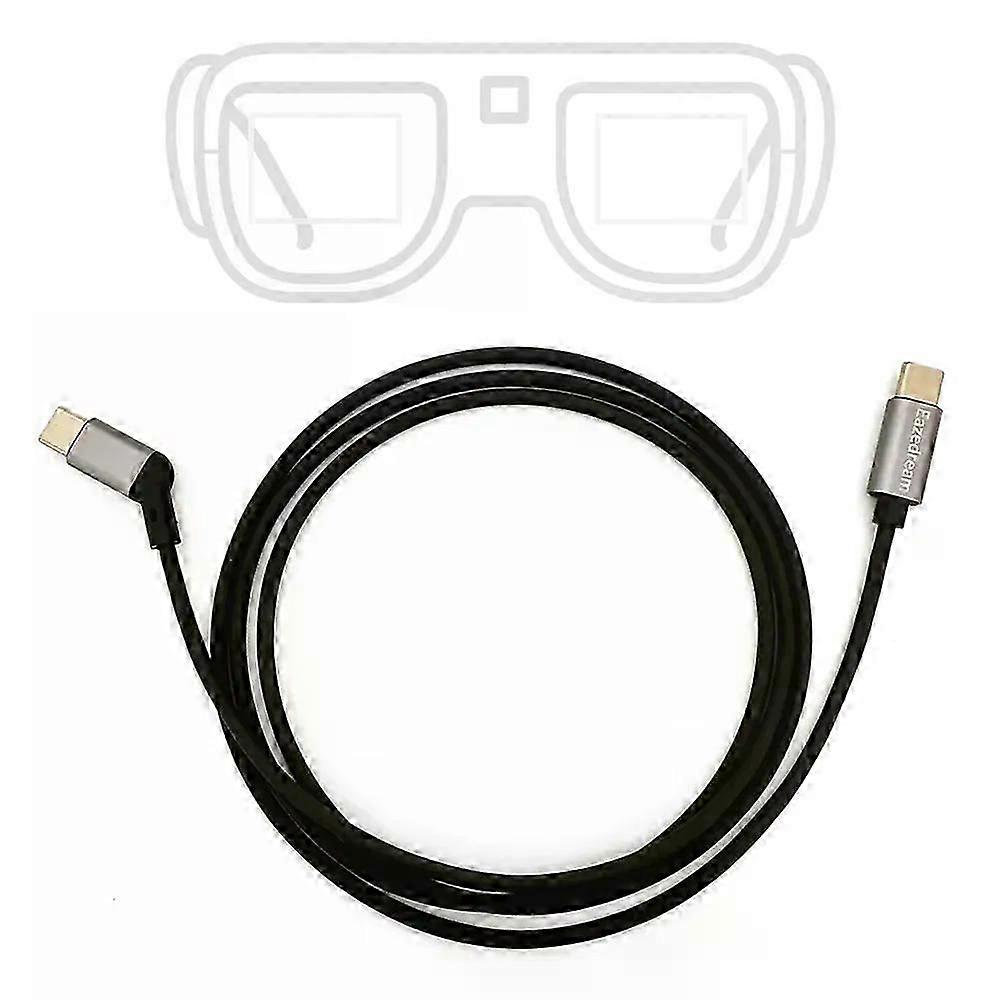
C-C AR Glasses USB-C Charging Data Cable for Xreal One Pro Air2 Viture One Lite Rokid Max 2 Rayneo Air 3 2s Nreal Glass Type-CThis Eazedream cable is a high-performance AR Glass Data Transfer Cable. meticulously designed to seamlessly connect your smartphone to leading AR glasses. such as Rokid. Viture. Rayneo. and Xreal. This essential accessory ensures rapid and reliable data transmission. enabling you to experience immersive augmented reality applications without interruption.
Features
1. Universal Compatibility: Our cable is engineered to support a wide range of AR glasses. also works with the computer puck and power bank.
2. USB3.2. High-Speed Data Transfer: Experience swift data transmission from your smartphone to your AR glasses. facilitating smooth streaming of high-definition content. 3D videos. and interactive applications. up to 20gps
3. Support 4K/60Hz: Constructed with premium materials. our cable offers enhanced durability and longevity. withstanding daily wear and tear while maintaining peak performance.
4.Power Delivery 2.0 (PD 2.0) Support: With a power output of up to 30W. our cable not only transfers data efficiently but also provides sufficient power to keep your devices charged during use.
5. User-Friendly Design: Soft and light enough. optimized for comfort and convenience. allowing unrestricted movement during use.
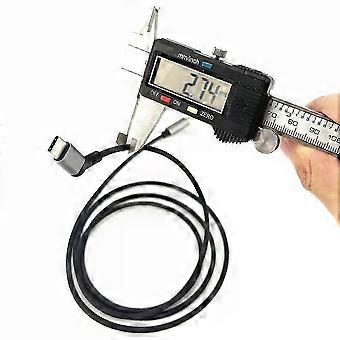
6. Length: 1-1.2 meter=3.2 feet
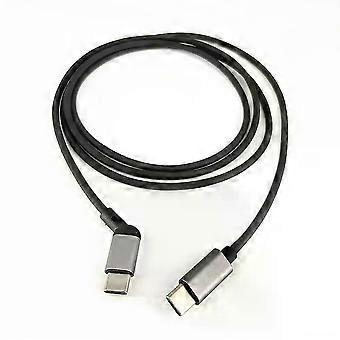
7. Plug: Type-C to Type-C (Type-C also called USB-C)
8. Material: TPE&Aluminum alloy (old version in video is made of entire TPE)
9. Net weight: 25g/0.88oz
Suitable for
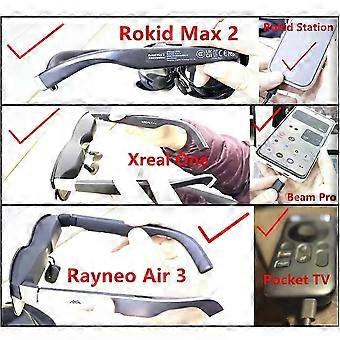
Xreal One Pro. Xreal One. Air 2. Air 2 Pro. Air 2 Ultra. Beam Pro. Beam
Rokid Max 2. Max. Station2. Station
Rayneo Air 3. Air 2s. Air2. JoyDock for NintendoSwitch. Pocket TV/Streaming Media Box
Viture One Lite. Viture Pro Neckbank. Viture Pro Mobile Dock. Neckband Charging Case
Note: 1. when use with Mac computer. if the sound does not automatically switch to the AR glasses. go to the
Sound
settings and select 'Play sound effects through' and 'Output' to choose specified glasses. it will work. Additionally. if the screen freezes on a blank desktop. you can long-press the '+' volume up button to successfully switch to screen-off mode and then it works.
2. After our test. it also s
upports to upgrade the firmware: recommended to use Google Chrome in computer. Before upgrading. it'd better clear the cookies and use incognito mode. If it fails. try using Mac system or test on several different computers. Alternatively. you can update by official Android APP through compatible smartphones. but iPhone is not supported. Some of AR glasses allow the computer puck to upgrade. such as Beam Pro.
Include
1 X Cable
1 X Carry Bag
Compare with original cable
Eazedream Story
_x000D_
Nowaday. XR&live streaming is more usual. we recommend to adapt the XR glasses and stream by camera. It'll be clearer for the skin texture detail and carry some bokeh effect for background. able to zoom in/out or other effects by different lenses. better than cell phone&webcam. Besides. with computer. it's better for team work to attract large clients. Eazedream commits to offering solutions to professional youtuber. tiktoker and influencers.
_x000D_
*Q&A
_x000D_
1. How constant live streaming: recommend to use dummy battery and power adapter when indoor. large power bank to supply if outdoor.
_x000D_
2. Too lagging and buffering or easy to get hot:
_x000D_
A. More smooth by better hardware. recommend: i5 CPU. offer USB 3.0/Type-C 3.0/Thunderbolt. 4G video card memory. 8G computer memory. 4K monitor or above.
_x000D_
B. The internet speed requests 100Mbps download speed or above by wire or 5G.
_x000D_
C. Adjust resolution to 720P to 480P. lower the FPS in the configuration of streaming software.
_x000D_
D. Give up data cable which might not good for long time use. try to use Video Capture Card.
_x000D_
3. No sound: Need a Mic on camera or PC; 4. Not better than cell phone: Adjust the lighting & camera setting.
_x000D_
5. How to select camera: new cameras after . more support video. just streaming not burn CMOS. Check the budget. latest high-end camera always best. but it requests stronger PC. Some cheaper cameras but not very old is still good. like ZV1. A6400. M50. etc.
_x000D_
-
Fruugo ID:
484426769-1005310647
-
EAN:
9358307402074
Product Safety Information
Please see the product safety information specific to this product outlined below
The following information is provided by the independent third-party retailer selling this product.
Product Safety Labels

Safety Warnings:
Important Safety Instructions
Read Before Use: Please read all instructions and safety warnings before using this product. Failure to follow these guidelines may result in injury, damage, or malfunction.
General Warnings
Intended Use: Use this product only for its intended purpose as described in the user manual.
Supervision Required: This product is not intended for use by children or persons with reduced physical, sensory, or mental capabilities without supervision.
Inspection Before Use: Check for any signs of damage or wear before use. Do not use if damaged.